Steps to Prevent Admin Account Creation Without Login in WordPress
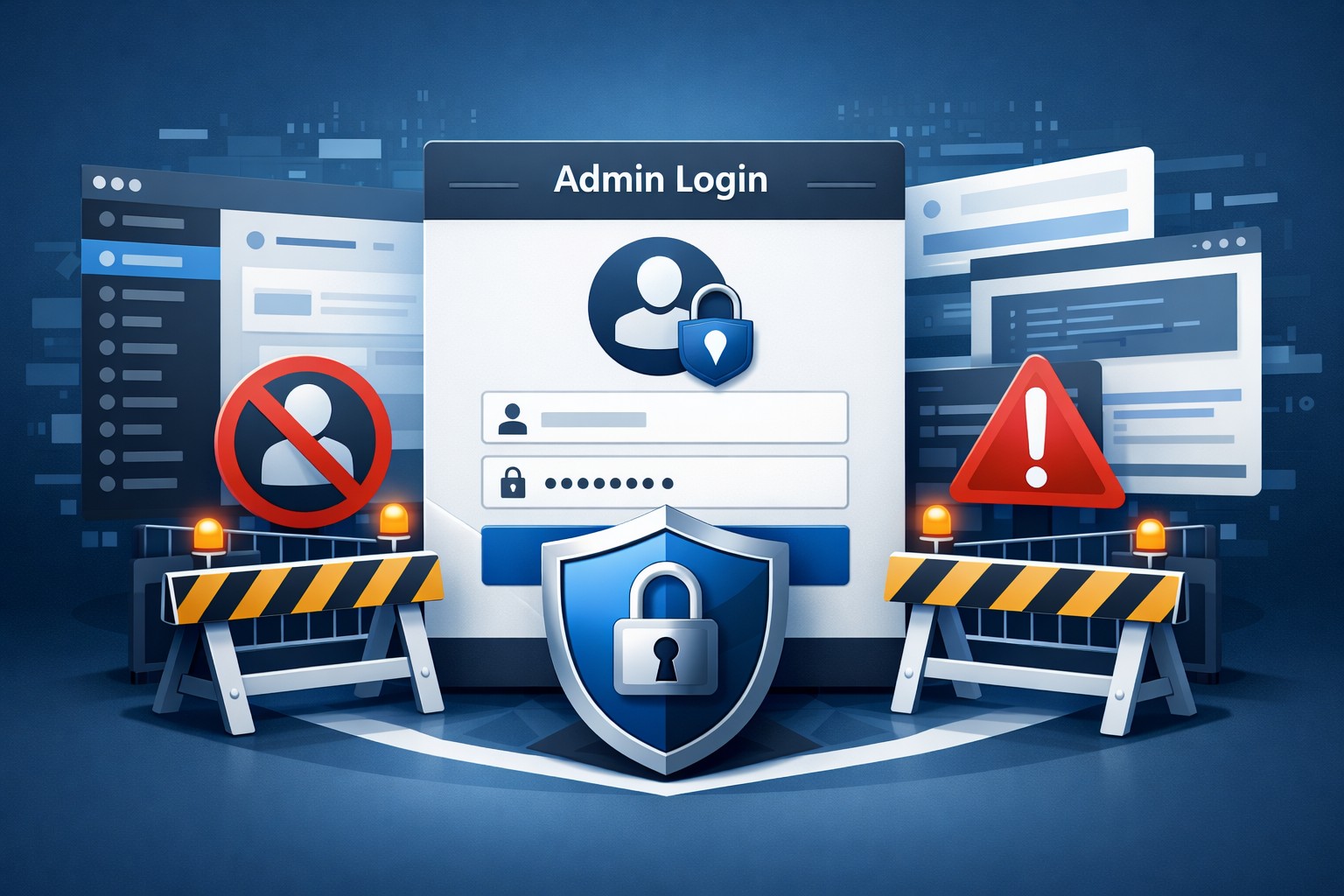
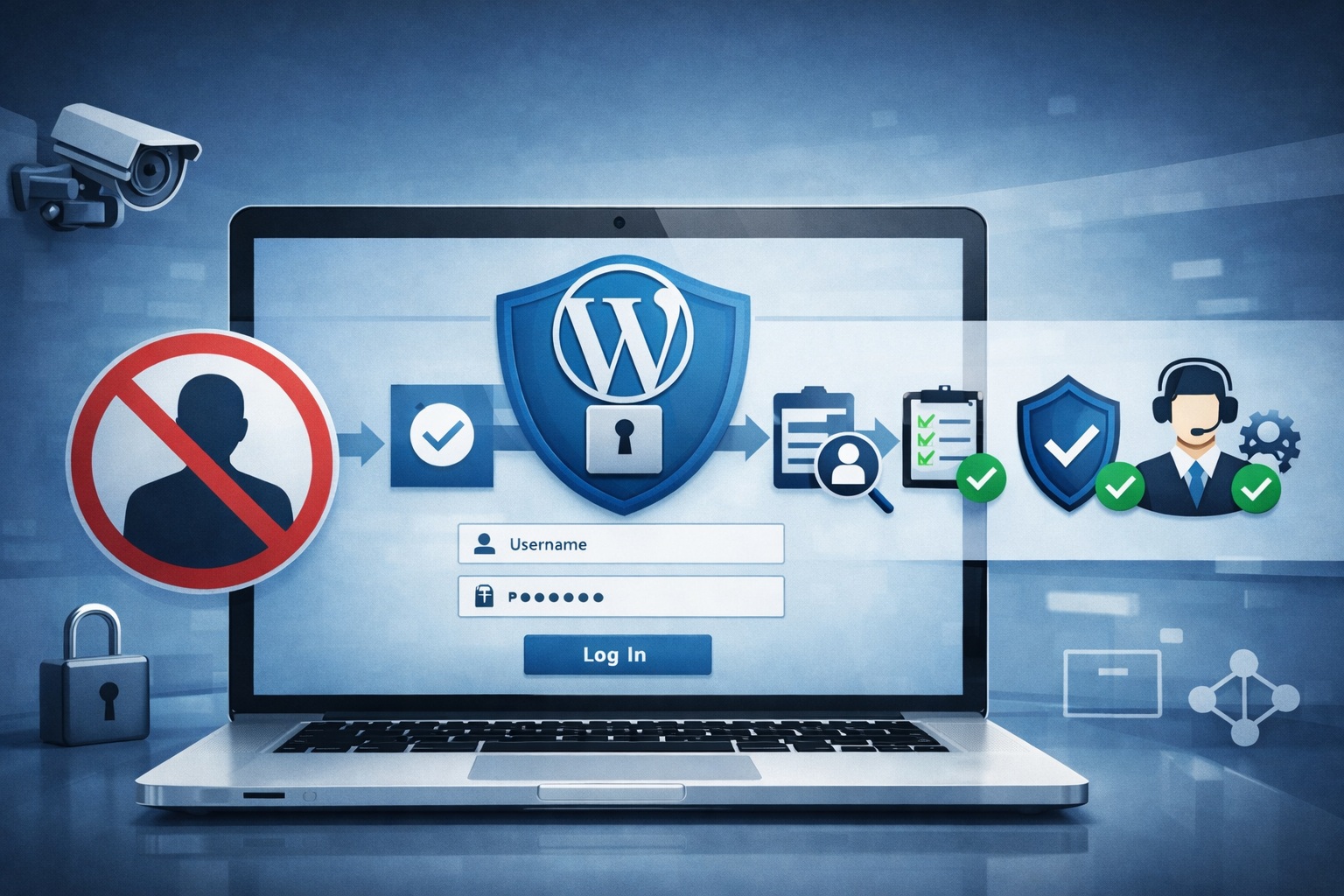
Unauthorized admin accounts in WordPress, particularly those created through vulnerabilities like WordPress wp2shell, can cause significant security problems. These issues can harm your website and compromise user data. For example, attackers might change important data, which can damage both trust and privacy. It can also lead to data leaks, loss of customer trust, and violations of regulations like GDPR. Additionally, backdoors can allow spam and harmful links to infiltrate your site, further damaging your brand’s image. Therefore, it is crucial to take proactive steps to mitigate these risks. This helps keep your website secure and protects user information.
Key Takeaways
Use strong passwords that combine letters, numbers, and symbols. This makes security better.
Set up two-factor authentication. This gives extra protection for admin accounts.
Check user accounts often. Remove users who are not active. This helps stop unauthorized access.
Limit who can access the admin login URL. Only allow certain IP addresses and use CAPTCHA.
Use security plugins to watch activity. They help protect against brute force attacks.
Security Risks of WordPress
Consequences of Unauthorized Access
If someone gets into your WordPress admin account, it can cause big problems. Here are some serious risks you should know about:
Higher chance of brute force attacks: Hackers can try many passwords to get in.
User information exposure: Important data can be used for phishing scams.
Website compromise: Hackers can add malware, change the site, or attack more.
Reputation damage: Security issues can make people lose trust and hurt your business.
Legal problems: Breaking data protection laws can lead to fines and lawsuits.
When unauthorized people access your WordPress control panel, they can cause chaos. They might add malware or spam links, which can harm your site’s security. A hacked website often causes data leaks, especially when hackers use weaknesses like the well-known wordpress wp2shell. This weakness lets them create admin accounts without proper login, so it’s very important to secure your site.
Common Vulnerabilities
There are many weaknesses that can let people create admin accounts in WordPress. One big example is CVE-2024-5626, a serious flaw in the Inline Related Posts plugin. This flaw lets hackers do Stored XSS attacks through CSRF, leading to unauthorized admin account creation.
Here are some signs of weaknesses you should look for:
Hidden backdoors can make unauthorized admin accounts, giving control over sites.
Unknown files in WordPress folders might mean a breach.
Unexpected admin accounts can show unauthorized access.
Strange outgoing connections may hint at bad activity.
To stop these weaknesses from being used, you need to focus on checking inputs and cleaning outputs in your WordPress plugins. By doing this, you can greatly lower the chance of unauthorized admin account creation and keep your website safe.
Security Measures for WordPress
Strong Passwords and User Roles
To make your WordPress safer, start with strong passwords. Strong passwords should follow security rules and mix letters, numbers, and symbols. Here are some good tips to follow:
Make strong passwords that follow security rules.
Use different usernames for better security.
Give users the lowest role they need.
Teach users about their specific roles.
It’s important to teach your team why strong passwords matter. Encourage them not to reuse passwords and to think about using password managers. This helps keep complex passwords safe. Also, only give the Administrator role to those who really need it. Check user accounts often and remove any that are not active to reduce risks.
Limiting Admin Login URL Access
Another good way to protect your site is to limit who can access the WordPress admin login URL. While this isn’t a perfect fix, it can stop some unauthorized tries. Here are some ideas to think about:
Allow only certain IP addresses to access the site.
Use a CAPTCHA to block bots and brute force attacks.
Limit how many times someone can try to log in.
Make sure strong passwords are used for better security.
Change the default login URL to confuse attackers.
Remember, determined attackers can still find the login page. So, while changing the admin login URL can help, it should be part of a bigger security plan.
Two-Factor Authentication
Using two-factor authentication (2FA) is one of the best ways to protect your WordPress admin accounts. This method adds another step beyond just a password. Here’s why you should use 2FA:
Administrator accounts are main targets for attackers.
Two-factor authentication makes sure only verified users can get into admin areas.
Extra steps help stop unauthorized access, even if passwords are stolen.
Even if a password is leaked, the second step, like a one-time pin, stays safe. This makes it much harder for unauthorized users to get in. By using 2FA, you greatly improve your website’s security and protect important information.
Monitoring with Real-Time Notifications
Watching your WordPress site is very important. It helps stop unauthorized admin accounts from being made. Real-time notifications can tell you right away about strange activities. Using tools like Modular DS can make your security much better. Here’s how real-time notifications can help:
They send alerts right away about new user sign-ups and profile changes.
You can quickly spot strange activities, like unexpected new admin accounts.
Automated alerts keep you updated on user actions, so you can respond quickly.
Using Modular DS for Alerts
Modular DS is a strong tool for watching your WordPress site. It sends alerts through different ways, like email and WhatsApp. This keeps you informed about any unauthorized actions. Here are some important features of Modular DS:
Feature | Description |
|---|---|
Real-time Notifications | Alerts sent through Slack, Telegram, Email, and Admin dashboard. |
Event Triggers | Alerts for changes to core files, plugin/theme updates, WooCommerce events, and more. |
Daily/Weekly Summaries | Gives a daily summary and weekly plugin download report. |
IP Blocking | Block IPs by manual entry, CIDR range, or conditional rule. |
Emergency Shutdown | Log out all active sessions with just one click. |
By using these features, you can watch user actions, check admin activities, and see updates to plugins and themes easily.
Regular Security Audits
Doing regular security checks is very important for keeping your site safe. You should do these checks at least every three months. For busy sites or those with sensitive data, do them every month. Also, check right after big changes, like adding new plugins or themes. Regular checks help you find unauthorized admin accounts and other weaknesses.
Tools like Wordfence and Sucuri can help with these checks. They have features like real-time threat defense, malware scanning, and firewall rules. By using these tools, you can make your site safer and keep unauthorized access away.
Using Security Plugins
Security plugins are very important for keeping your WordPress site safe from unauthorized admin accounts. They have many features that make your site more secure. Here are some security plugins you should think about:
Plugin Name | Features |
|---|---|
Wordfence Security | Monitors live traffic, blocks bots, and has two-factor authentication (2FA). |
Sucuri Security | Offers a web application firewall and scans for malware. |
iThemes Security | Provides file integrity checks and protects against brute force attacks. |
These plugins help you keep track of user roles and make sure there are no unauthorized admin accounts. They also improve login security with extra verification steps and limit failed login tries.
Suggested Security Plugins
When choosing a security plugin, look for these important features:
Feature | Description |
|---|---|
Limits login tries to stop bots from guessing passwords, blocking after a few wrong attempts. | |
Two-Factor Authentication | Adds extra security by needing a code from a mobile device along with the password. |
Web Application Firewall | Checks incoming traffic to block bad attempts and is updated often to catch new threats. |
File Integrity Monitoring | Notifies you when core files change, so you can quickly fix unauthorized changes. |
Setting Up Plugin Settings
To get the most out of your security plugins, set them up correctly. Here are some tips:
Use brute-force protection to stop unauthorized access attempts.
Use security plugins to improve login safety and check for weaknesses.
Set up HTTP authentication for extra security.
Think about hiding the login page to lower attack chances.
Use CAPTCHA to keep the login form safe from bots.
By following these tips, you can greatly improve your WordPress site’s security and lower the chances of unauthorized admin account creation.
In conclusion, keeping your WordPress site safe from unauthorized admin accounts is very important. You should use strong password rules and turn on two-factor authentication. Checking user accounts often and limiting login tries also makes your site safer.
Think about these best practices:
Best Practice | Description |
|---|---|
Enforce strong password policies | Encourage users to make strong, unique passwords with different characters. |
Secure the wp-admin directory | Use a password to protect the wp-admin directory for extra safety. |
Add multi-factor authentication | Use 2FA to need a second way to verify during login. |
Conduct regular user account audits | Regularly check user accounts to remove users who are not active. |
By using these strategies, you can greatly boost your site’s safety and keep a secure space for your users.
FAQ
What should I do if I think someone got into my admin account?
If you think someone got into your admin account, change your passwords right away. Turn on two-factor authentication too. Look for any unknown admin accounts and delete them. Do a security check to find any weaknesses.
How can I stop brute force attacks on my site?
To stop brute force attacks, use strong passwords and limit login tries. You might also want to hide the admin login URL. Adding two-factor authentication gives extra security.
Why is it important to turn off default usernames?
Turning off default usernames lowers the chance of hacking. Hackers often go after common usernames like “admin.” By using unique usernames, you make it harder for them to get into your site.
How often should I do security checks?
You should do security checks at least every three months. If your site has sensitive data, do them every month. Regular checks help you find unauthorized admin accounts and other weaknesses.
What are the benefits of using security plugins?
Security plugins make your site safer by watching user activity, blocking brute force attacks, and sending alerts for strange actions. They help you keep control over admin accounts and improve overall security.