Smart Home Automation Mistakes to Avoid in 2026
What Are the Biggest Smart Home Automation Mistakes to Avoid in 2026?
Smart home automation has moved from a luxury to a mainstream choice. By 2026, over 400 million smart home devices are expected to be active across U.S. households, according to Statista. Yet, for every smooth setup, there are just as many frustrating ones. Devices that won’t talk to each other, Wi-Fi that keeps dropping, and automations that confuse the whole family are more common than most people admit. If you’re planning a smart home setup or upgrading your current one, knowing the most common smart home automation mistakes before you spend a dollar is the smartest move you can make.
This guide walks you through every major pitfall, from poor planning and ecosystem mismatches to security gaps and budget blunders, so you can build a setup that actually works. For more guides, browse our Smart Home category.
Quick Answer: Biggest Smart Home Automation Mistakes
Quick answer: The biggest smart home automation mistakes to avoid in 2026 are buying without a plan, mixing incompatible ecosystems, underestimating Wi-Fi, skipping security basics, automating too much too soon, ignoring family usability, skipping integration testing, and overlooking long-term support and energy costs.
- Buying without a plan ??Choose an ecosystem and assess your network before purchasing devices.
- Mixing ecosystems ??Stick to one primary platform (Alexa, Google Home, HomeKit, or SmartThings).
- Weak Wi-Fi ??Mesh coverage and enough bandwidth prevent dropouts and failed automations.
- Poor security ??Change default passwords, enable 2FA, update firmware, and segment IoT devices.
- Automating too fast ??Start with one or two high-impact routines, then expand.
- Ignoring family UX ??Keep physical switches and simple overrides for every household member.
Why Smart Home Automation Planning Matters
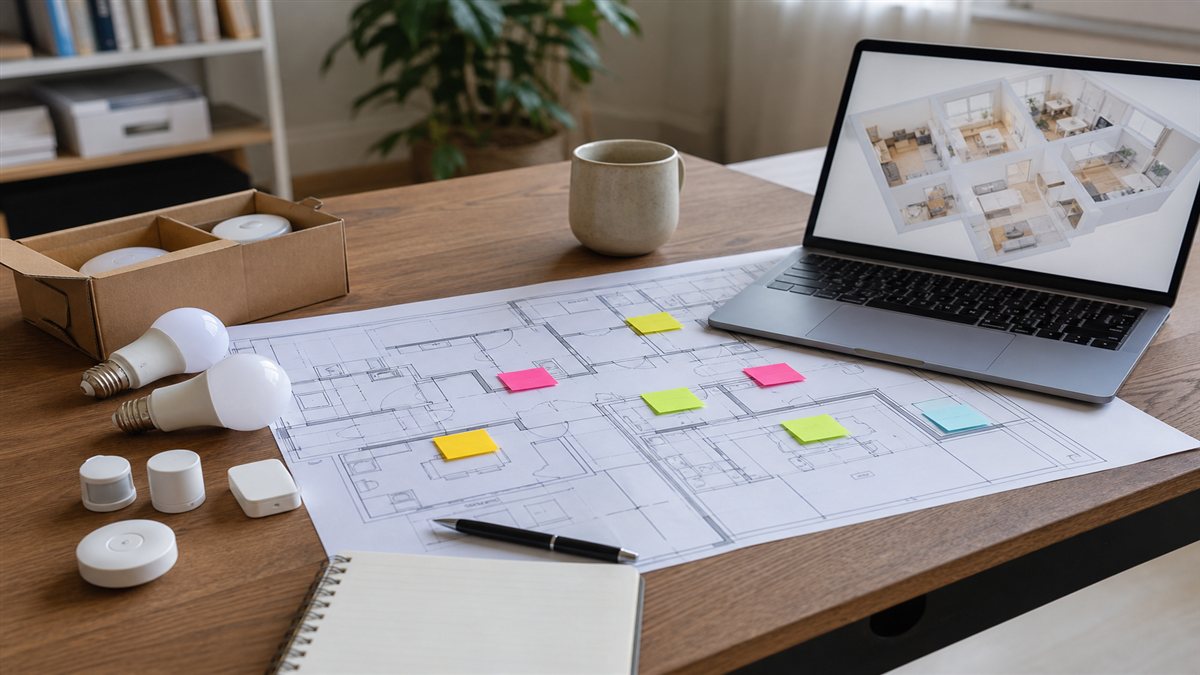
Most people jump straight to buying devices without thinking through how everything will fit together. That’s where the problems start. Poor planning is the root cause of the majority of smart home setup errors, and it tends to show up quickly once you’re trying to get your lights, thermostat, and security cameras working as a single system.
Without a clear plan, you risk buying devices that don’t work together, overspending on hardware you don’t need, and creating a setup that’s more work to manage than it’s worth. A good plan starts with understanding how your household actually uses your home. Which rooms need automation the most? Who will be using the controls? What’s your internet situation like? Answering these questions before buying anything saves real money and real frustration.
Home automation best practices consistently point to one thing: match your technology to your lifestyle, not the other way around. Related reading lives in our Smart Home guides. A smart home that works for a single professional living alone looks very different from one built for a family with young kids and elderly parents. Getting this right from the start is what separates a seamless smart home from a headache.
Choosing Devices Without Considering Ecosystem Compatibility
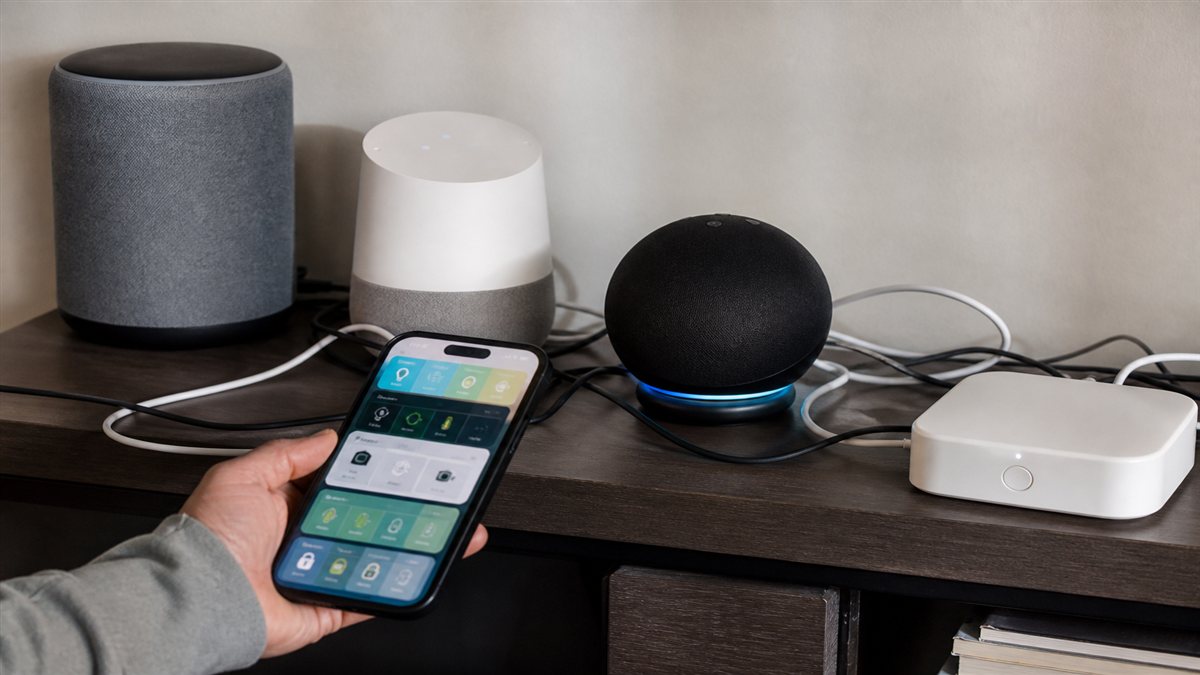
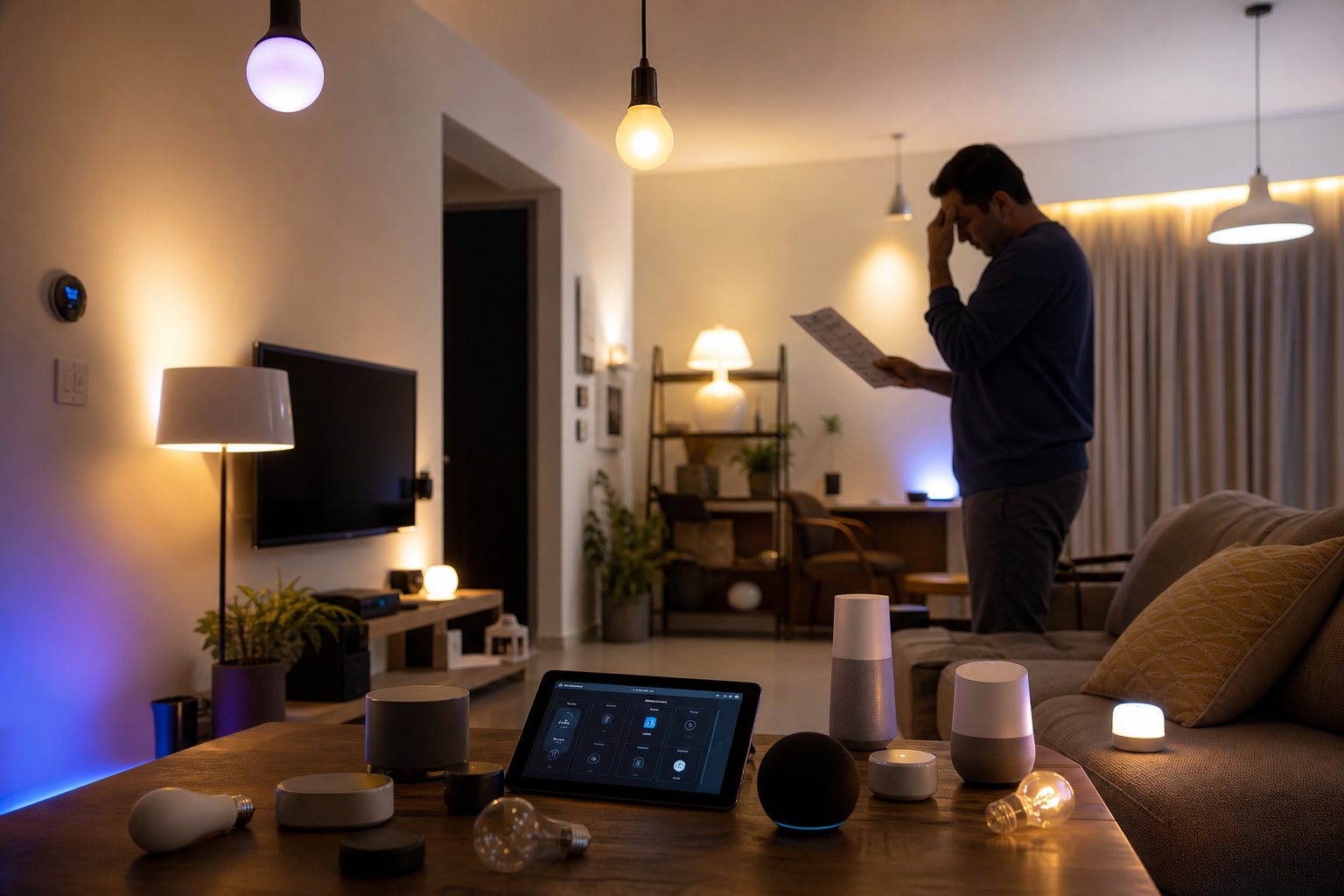
One of the most expensive smart home automation mistakes is picking devices without checking whether they speak the same language. Smart home compatibility issues are incredibly common, and they often come from buying what looks good or what’s on sale rather than what fits your existing setup.
Understanding Smart Home Ecosystems
There are four major smart home ecosystems you need to know: Apple HomeKit, Google Home, Amazon Alexa, and Samsung SmartThings. Each one has its own way of connecting devices, managing automations, and handling voice commands. Some devices work across multiple platforms, while others are locked to just one.
Mixing incompatible devices creates real problems. You might end up needing three different apps to control your own home, or find that your smart lights won’t trigger when your smart lock is activated because they’re on different platforms. The newer Matter standard is helping bridge these gaps, but not every device supports it yet, and setup still requires some technical know-how.
Choosing a primary ecosystem first, then building around it, is the most reliable approach. If you’re already in the Apple ecosystem with iPhones and iPads, HomeKit is a natural fit. If you’re a heavy Google user, Google Home makes more sense. The key is picking one and staying consistent.
How to Check Device Compatibility Before Purchasing
Always check the product listing for supported platforms before buying any smart device. Most manufacturers list compatible ecosystems directly on the box or product page. If you see logos for Alexa, Google Assistant, or HomeKit, the device works with those platforms.
Read user reviews specifically about integration. A device may claim compatibility but have known issues with certain hub versions or firmware releases. Third-party review sites and community forums like Reddit’s r/homeautomation are excellent for catching these real-world problems before they become your problem.
Before purchasing, run through this quick checklist:
- Does the device support your primary ecosystem (Alexa, Google Home, HomeKit, SmartThings)?
- Does it support Matter or Zigbee for local control options?
- Are there known integration bugs reported in user reviews?
- Does the manufacturer have a track record of supporting software updates?
- Will it require a separate hub or bridge to function?
Ignoring Your Home’s Wi-Fi Infrastructure
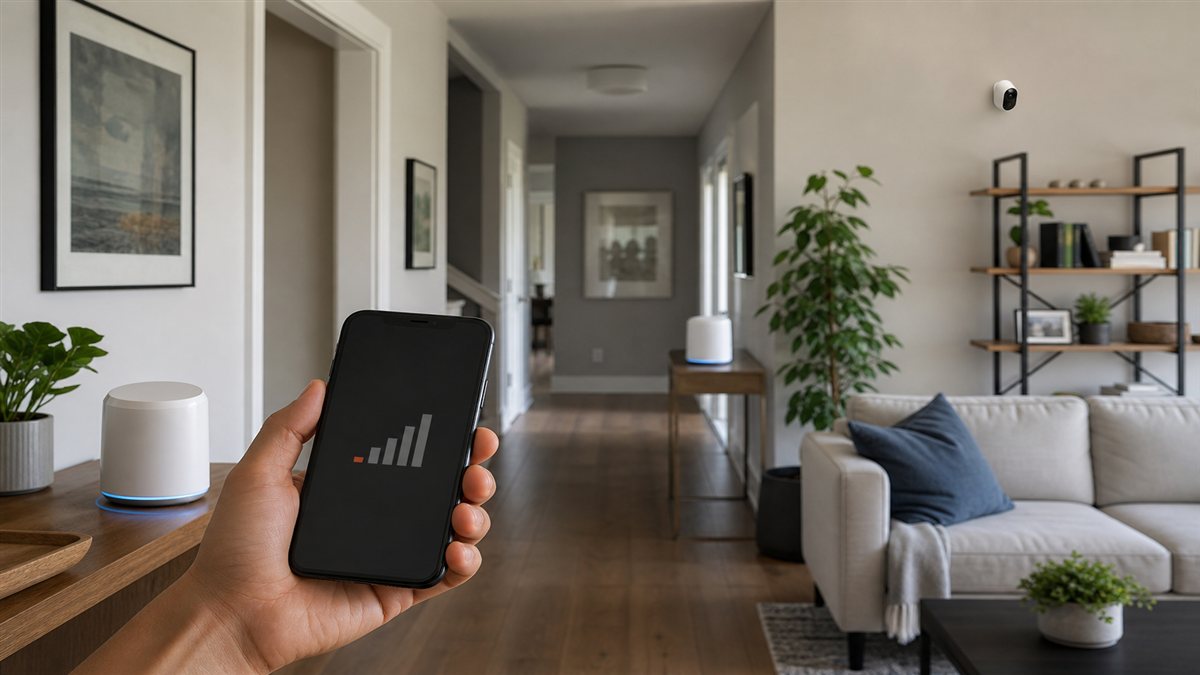
Your smart home is only as reliable as the network it runs on. Smart home Wi-Fi requirements are often underestimated, and a weak or congested network is one of the fastest ways to ruin an otherwise good setup.
Common Wi-Fi Issues That Break Smart Home Performance
Bandwidth is the first issue. A modern smart home with 20 or more connected devices puts a real load on your router. Video doorbells, smart TVs, security cameras, and voice assistants all compete for bandwidth at the same time. Older routers running on 2.4GHz only simply can’t handle the traffic.
Coverage gaps are the second issue. Dead zones in your home mean devices in those areas will disconnect randomly, triggering failed automations and offline errors. A smart bulb that drops offline mid-automation or a motion sensor that stops responding isn’t a device problem. It’s a coverage problem. Most homes larger than 1,500 square feet need more than a single router to deliver consistent coverage.
Upgrading Your Network for Smart Home Success
A mesh network system is the most practical solution for most homes. Systems like Eero, Google Nest Wi-Fi Pro, or TP-Link Deco spread coverage evenly across every room and automatically manage device handoffs as you move through the house. These systems also handle the higher device counts that smart homes require without slowing down.
Router placement matters too. Placing your router in a central location, away from walls and interference sources like microwaves and cordless phones, significantly improves range and stability. For device-heavy setups, look for a router or mesh system that supports Wi-Fi 6 or Wi-Fi 6E, which handles more simultaneous connections without performance loss.
As a general rule, give security cameras and video doorbells their own 5GHz band if possible, since they consume the most bandwidth. Reserve the 2.4GHz band for sensors and smart plugs that need a longer range but use minimal data.
Overlooking Security and Privacy Concerns
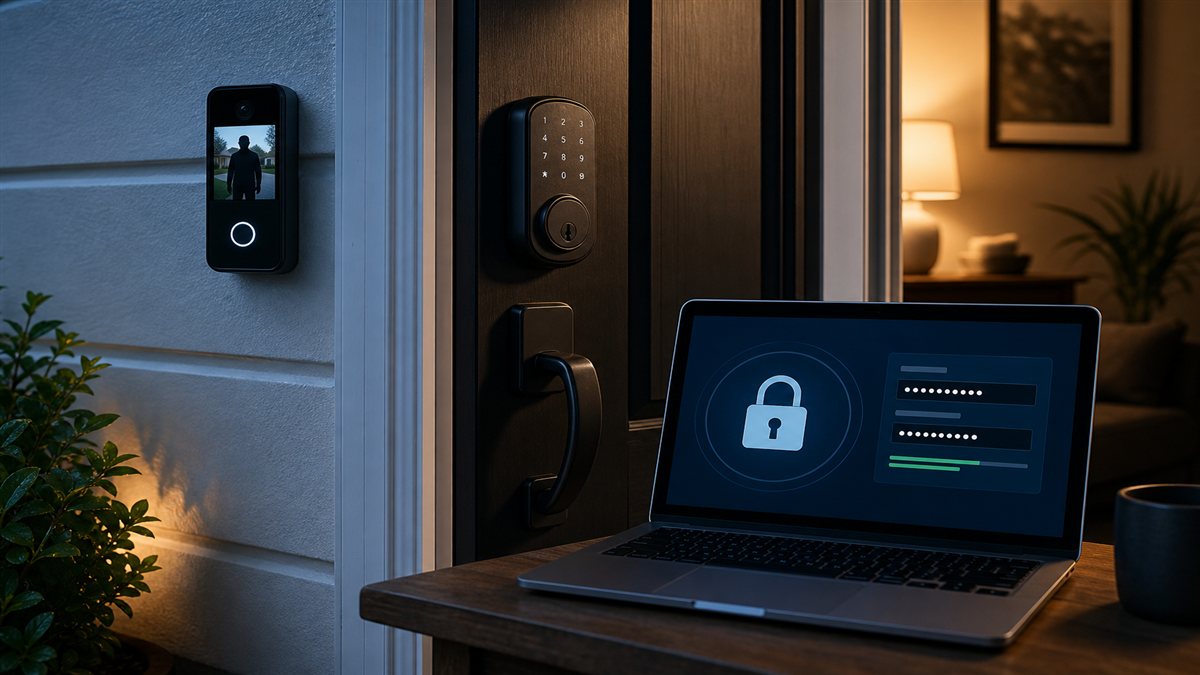
Smart home security risks are real and growing. A 2025 report from cybersecurity firm Bitdefender found that smart home devices face an average of eight attack attempts per 24 hours. Ignoring security is one of the most serious smart home installation mistakes you can make.
What Are the Security Risks of Smart Home Devices?
Every connected device in your home is a potential entry point for a hacker if it isn’t secured properly. Many budget IoT devices ship with default passwords that users never change, making them easy targets. Once inside your network through a vulnerable device, an attacker can potentially access other devices, personal data, and even your home’s physical security systems.
Privacy is another concern. Many smart devices collect usage data and send it to manufacturer servers. Smart speakers listen for wake words, smart TVs track viewing habits, and smart doorbells store video footage in the cloud. Understanding what data your devices collect and where it goes is a key part of responsible smart home ownership.
Essential Security Measures for Smart Homes
Start with strong, unique passwords for every device and every account. Never use the default credentials that come with a device out of the box. Enable two-factor authentication on every app and account that supports it.
Keep firmware updated. Manufacturers regularly release updates that patch security vulnerabilities. Set devices to update automatically where possible, or build a monthly check into your routine. Devices that haven’t received a firmware update in over a year are worth replacing.
Network segmentation is one of the most effective IoT device security measures available. Most modern routers let you create a separate guest network or IoT network. By placing all your smart devices on a separate network from your computers and phones, you limit the damage a compromised device can cause. Even if a smart bulb gets hacked, it can’t reach your laptop on the main network.
Automating Too Much Too Soon
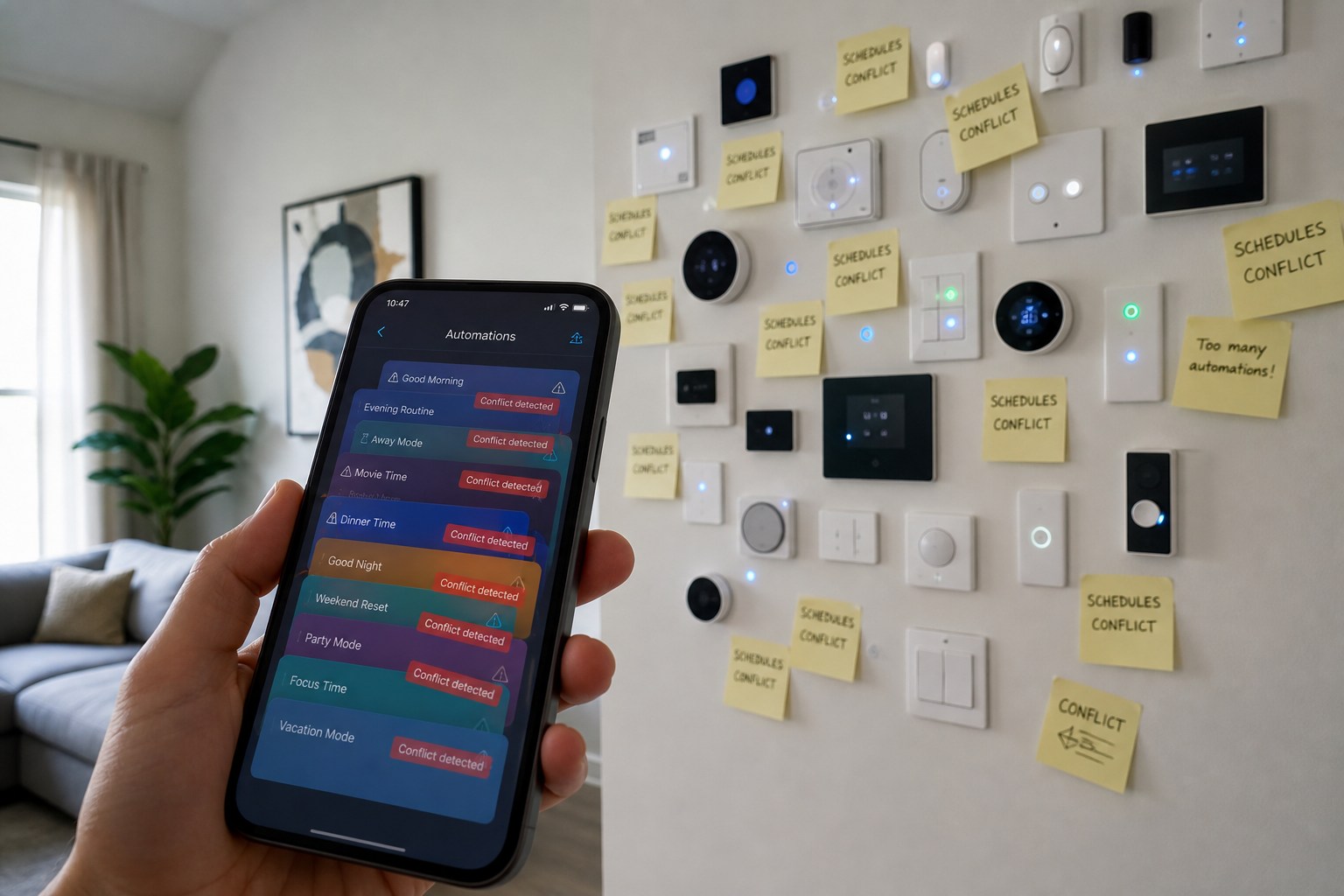
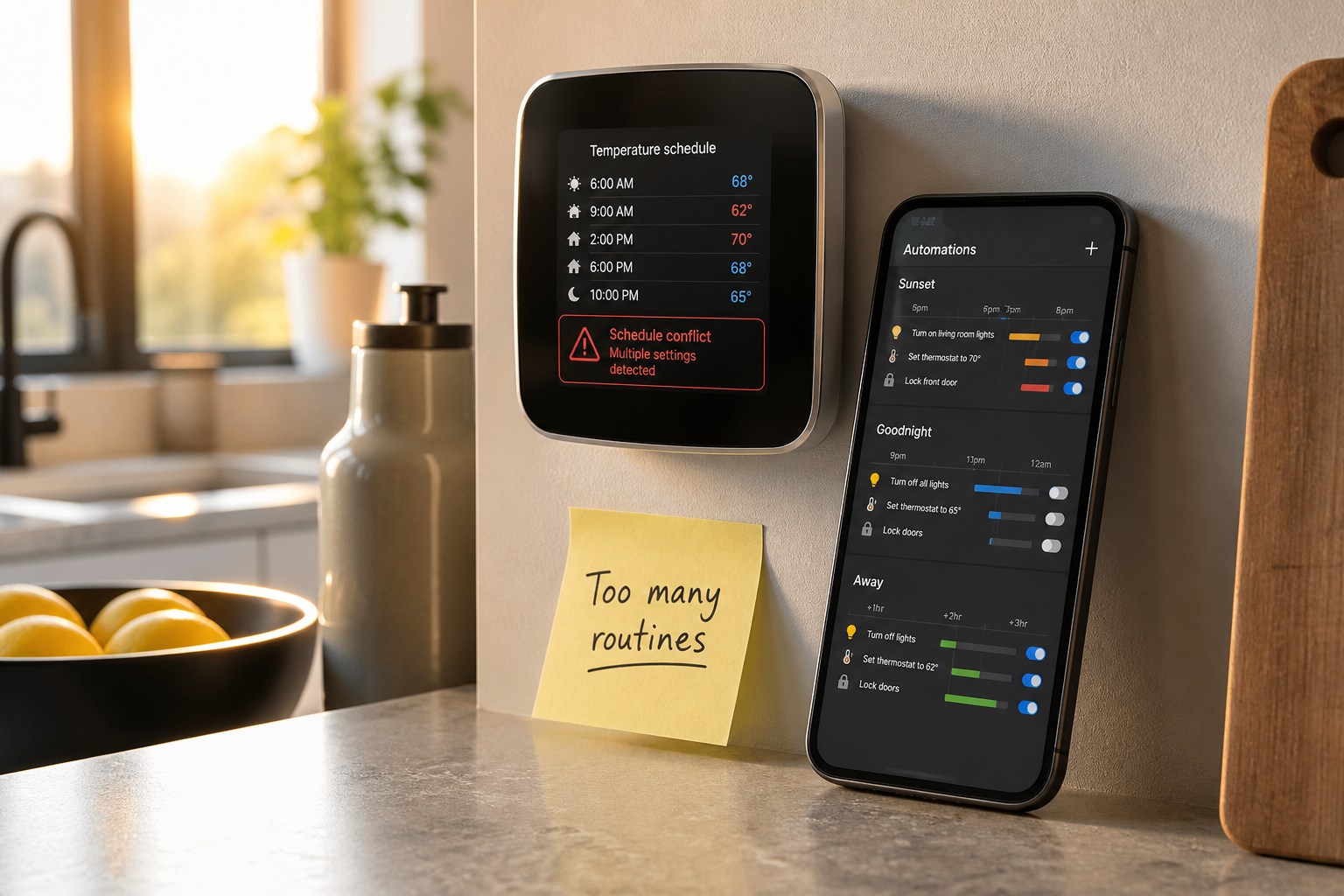
Starting with too many automations at once is a mistake that’s easy to make when you’re excited about your new setup. Smart home device integration is most successful when it’s introduced gradually. Trying to automate every light, every lock, every appliance, and every routine in the first week almost always leads to frustration.
The overwhelm is real. Complex automations that trigger on conditions you haven’t fully thought through start firing at the wrong times. Lights turn on when they shouldn’t. The thermostat adjusts when everyone’s still home. Family members get annoyed and start bypassing the system entirely, which defeats the purpose.
Start with one or two high-impact automations that solve a real problem. A good first automation is setting your thermostat to drop overnight and warm up before your alarm. Another is having your lights turn off automatically when you leave the house. These are simple, save energy, and work reliably. Once those are running smoothly for a few weeks, add the next layer.
Build based on actual usage patterns rather than what looks cool in a demo. If you never use a particular feature after two weeks, remove it. The best smart home is one that works invisibly in the background, not one that constantly demands your attention.
Neglecting User Experience and Family Needs
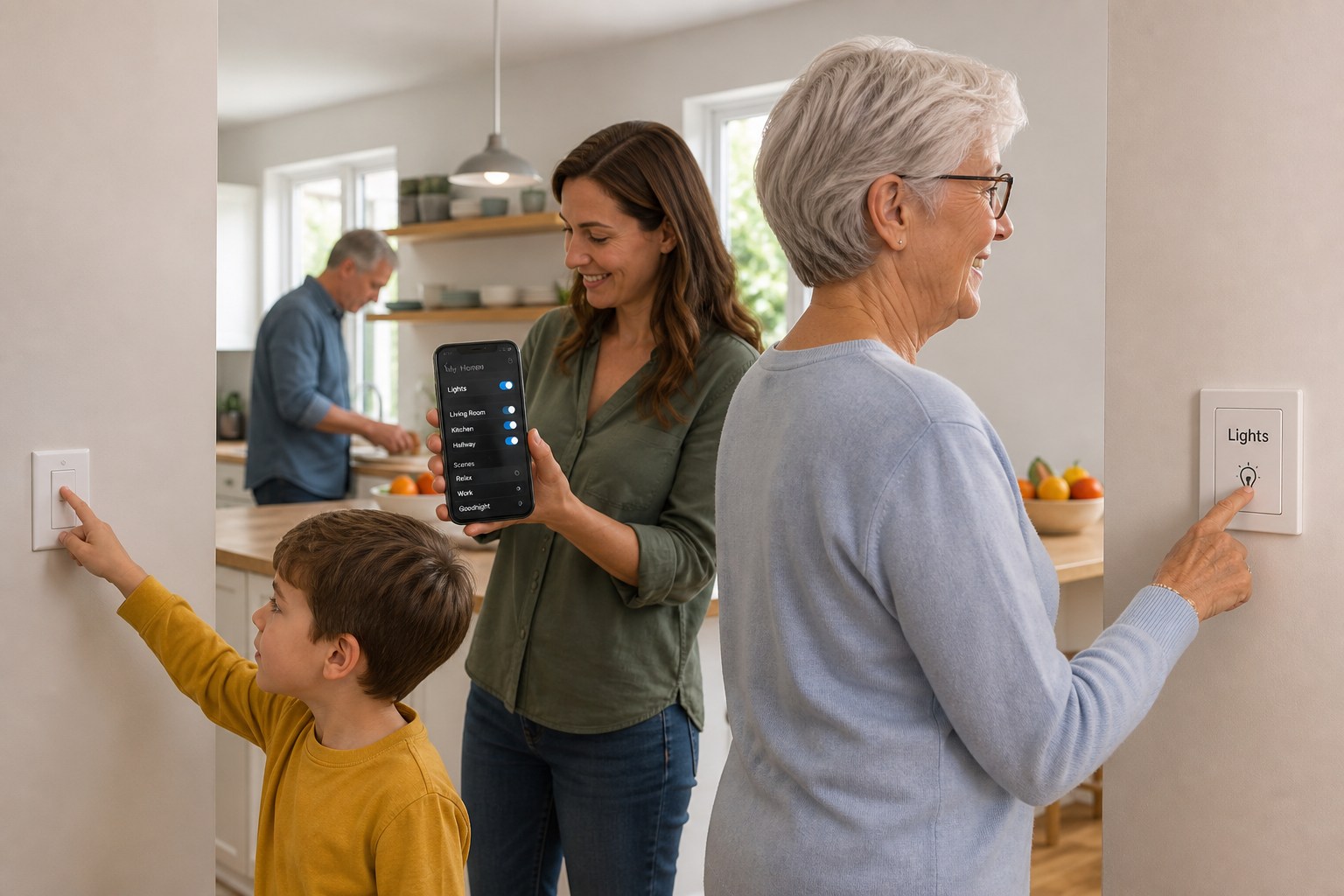
Smart home automation tips for 2026 consistently highlight one overlooked factor: the humans living in the home. A setup that works perfectly for a tech-savvy adult can be completely unusable for a child or an elderly parent.
Why One-Size-Fits-All Automation Fails
Different family members have different comfort levels with technology. Teenagers might be fine with an app. A six-year-old needs a physical switch. A grandparent visiting for the holidays shouldn’t have to ask Alexa three times just to turn on a lamp. When the automation system becomes an obstacle rather than a helper, people stop using it or actively work around it.
Accessibility needs also matter. Motion-triggered lights are genuinely useful for elderly users who may struggle with small switches. Voice controls can be a game-changer for people with mobility limitations. But overly complex automations with multiple conditions can create confusion and even safety concerns if someone can’t figure out how to turn on a light during a power event.
Creating Intuitive Controls Everyone Can Use
The best smart home systems offer multiple ways to control the same thing. Keep physical switches in place as a backup. Voice commands work well for adults and older children. App controls are great for parents who want full oversight. No single control method should be the only option.
Always maintain manual override capability. Every automation should be easy to pause or override without needing to open an app or remember a voice command. A simple, clearly labeled wall button that cuts all automations for a room is a small investment that prevents a lot of frustration. Physical controls are not a step backward. They’re a smart part of any well-designed system.
Skipping the Integration Testing Phase
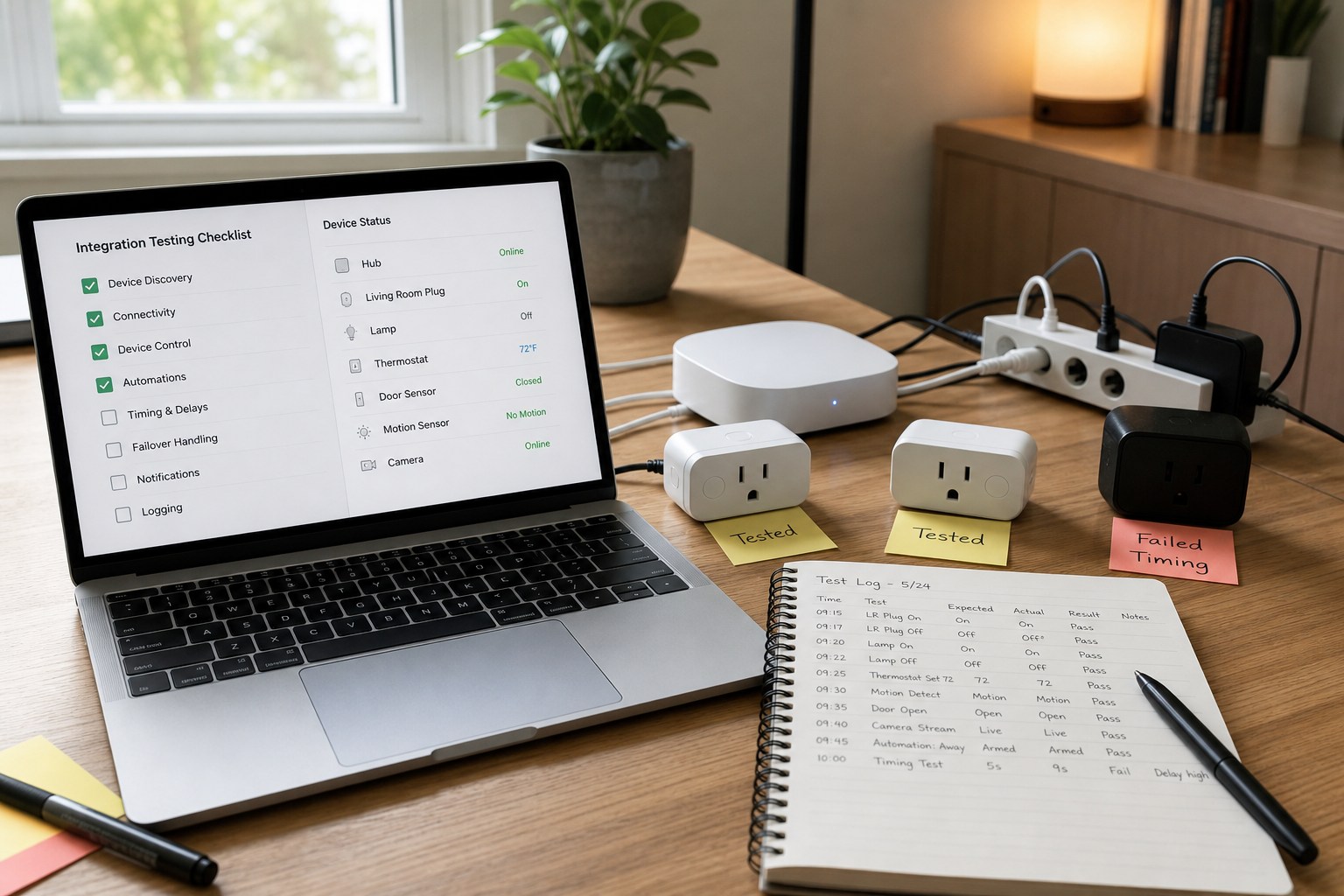
One of the most skipped steps in smart home setup is thorough testing before going fully live. Many people install devices, set up a few automations, and assume everything will work. It often doesn’t, at least not perfectly the first time.
Common integration issues include timing delays between trigger and action, conflicts between two automations targeting the same device, and devices that appear online in the app but fail to respond to commands. These issues are much easier to catch and fix during a controlled testing phase than after your whole household is depending on the system.
Test each automation individually first. Trigger it manually, watch how the device responds, and check the timing. Then test automations in sequence to see if they conflict. Give yourself at least two weeks of adjusted-use testing before treating the system as fully reliable. During this period, keep manual controls accessible so the household isn’t affected by bugs.
When something doesn’t work, start with the basics: check the device’s power and connection, reboot the hub or router, and check for firmware updates. Most smart home integration problems are solved by one of these three steps. If an issue persists, the manufacturer’s support forum is usually your best resource for device-specific troubleshooting.
Forgetting About Long-Term Maintenance and Updates
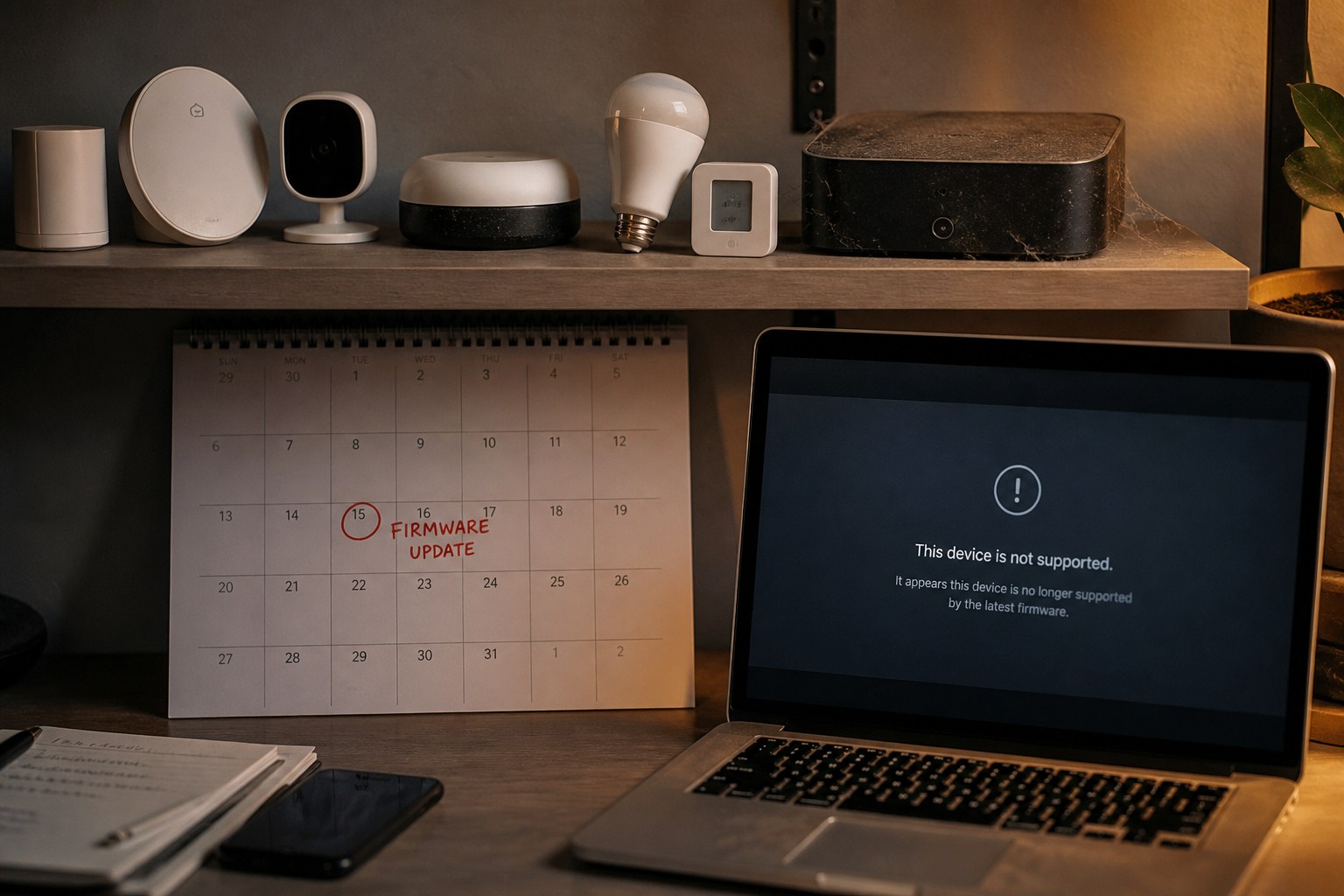
Choosing smart home devices is not a one-time decision. The long-term picture matters just as much as how the device works out of the box.
What Happens When Smart Devices Become Obsolete?
Manufacturers set their own support timelines, and many budget brands offer only a year or two of software updates before a device stops receiving security patches or compatibility improvements. When a manufacturer discontinues a product line or goes out of business entirely, cloud-dependent devices can become completely non-functional overnight.
This has already happened to users of platforms like Wink, Insteon, and Iris by Lowe’s, all of which shut down their services, leaving customers with expensive devices that no longer worked. Cloud dependency is a genuine risk in the smart home space, and it’s one that most buyers don’t consider at purchase time.
Building a Sustainable Smart Home Strategy
Buy from established manufacturers with a proven track record of long-term product support. Brands like Philips Hue, Lutron, Ecobee, and Ring have demonstrated multi-year support commitments. This doesn’t guarantee permanence, but it significantly reduces your risk.
Plan for replacements from the start. Build a simple spreadsheet tracking each device, its purchase date, and its expected support window. Review it annually and budget for upgrades the way you’d budget for any home appliance.
Whenever possible, prioritize devices that support local control, meaning they can operate without an active internet connection or cloud service. Devices using Zigbee, Z-Wave, or Matter with a local hub keep working even if the manufacturer’s servers go offline. This is one of the most practical and underappreciated smart home strategies available in 2026.
Making Budget Mistakes and Overspending
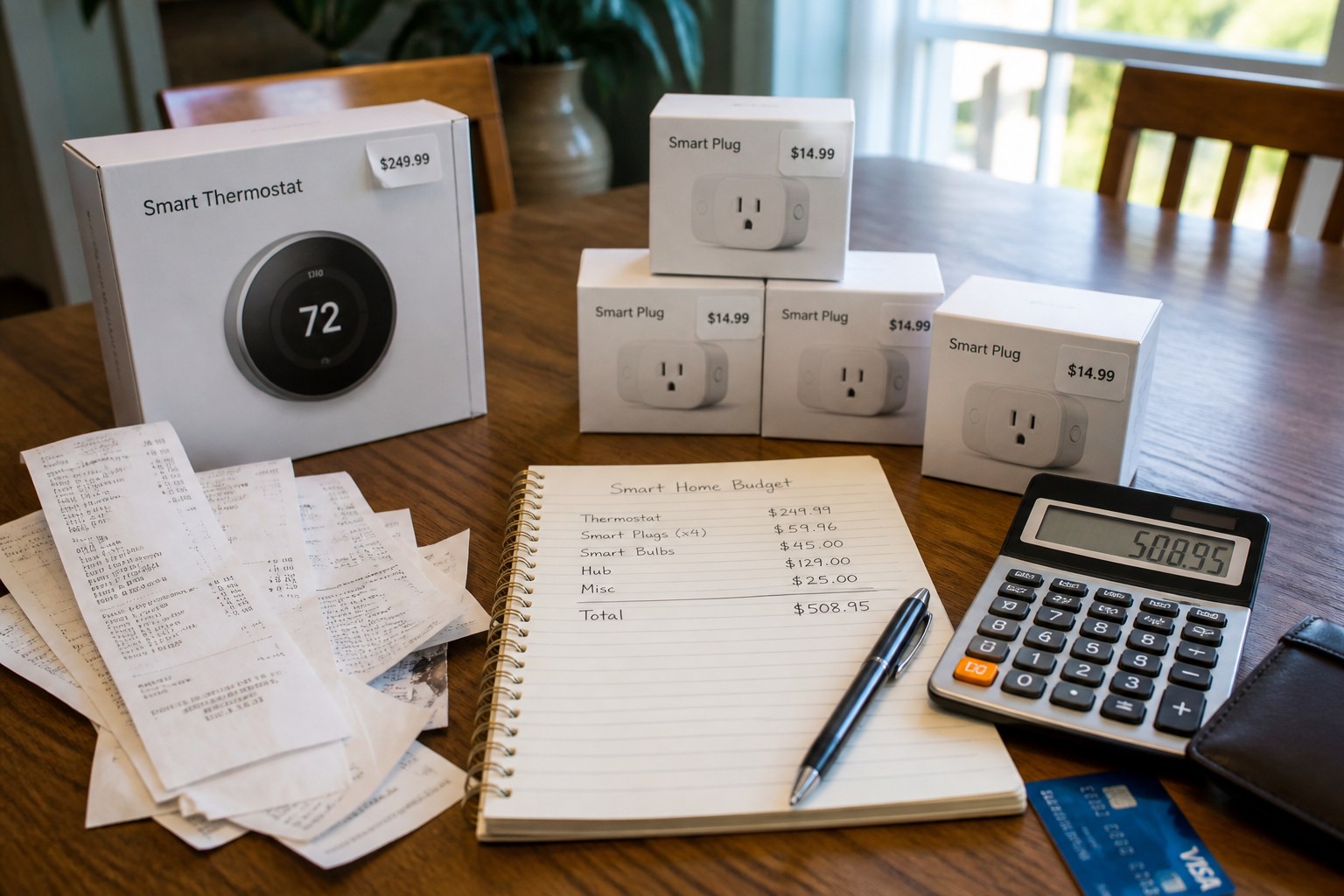
Smart home budget planning is where many setups go wrong before a single device is even installed. The assumption that more expensive always means better leads people to overspend in areas where it doesn’t matter and underspend where it does.
Budget smart plugs and sensors from brands like Kasa or Sonoff perform comparably to premium alternatives for most everyday tasks. Where premium matters is in hubs, routers, and frequently used devices like thermostats and door locks, where reliability and long-term support are worth paying for.
Hidden costs catch a lot of people off guard. Many smart home platforms require a hub or bridge to function, which adds to the total cost. Subscription fees for cloud storage, advanced automation features, or professional monitoring can add up to hundreds of dollars per year. Map out the full cost of ownership before committing to a platform or product ecosystem.
Prioritize spending based on daily use and real-world impact. A smart thermostat that saves 10 to 15 percent on your energy bill every month pays for itself. A smart mirror for your bathroom that you’ll use twice and forget does not. Spend on the automations and devices that genuinely improve your daily routine first, then expand from there.
Ignoring Energy Consumption and Environmental Impact
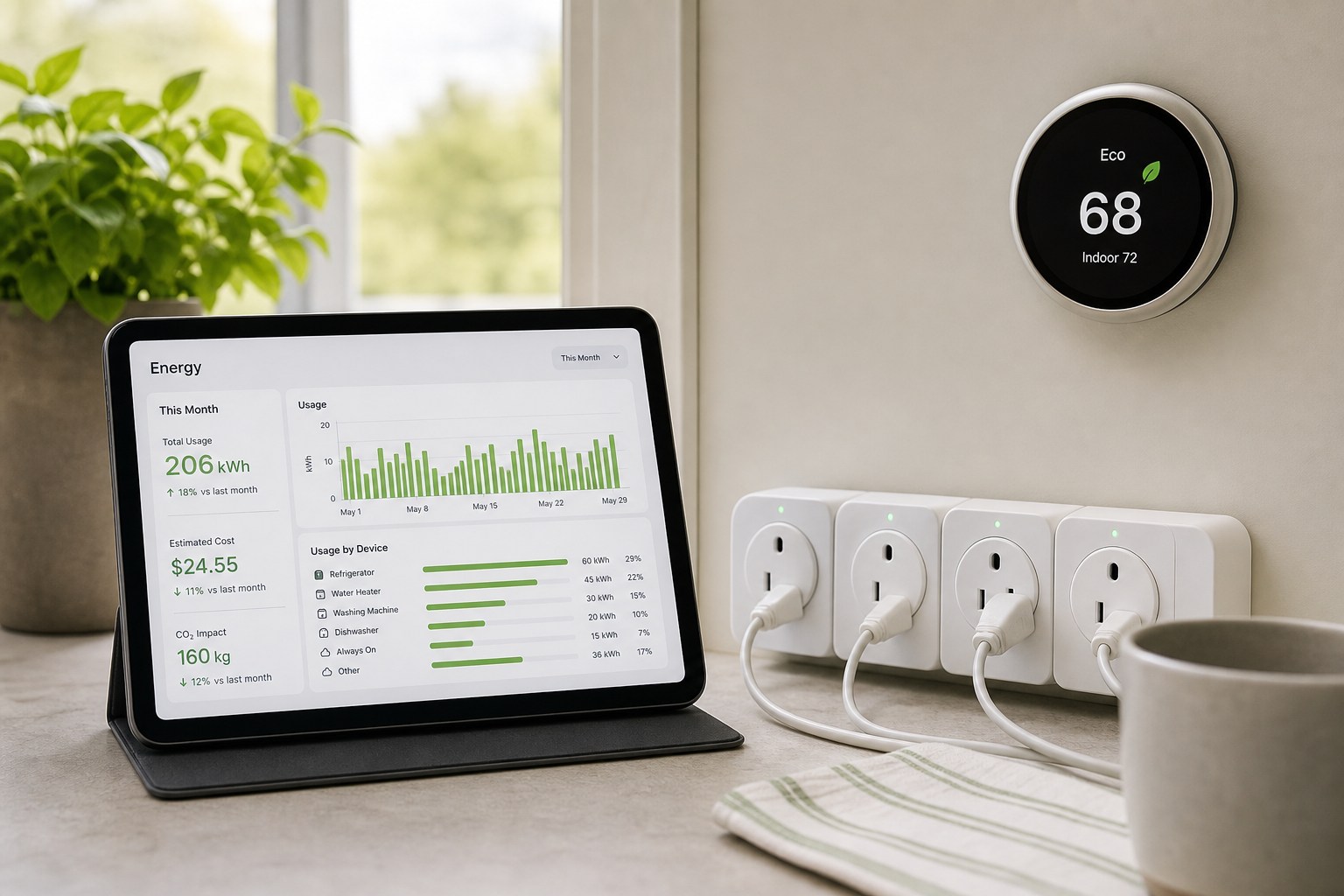
Smart home devices are sold partly on their energy-saving potential, but there’s a real paradox here that’s worth understanding. Every always-on device, from a smart plug to a voice assistant, draws standby power continuously. A home with 30 smart devices running around the clock can consume a noticeable amount of energy just keeping those devices connected and listening.
The U.S. Department of Energy estimates that standby power accounts for 5 to 10 percent of residential electricity use. In a device-heavy smart home, that figure can climb higher if the setup isn’t managed carefully. Smart doesn’t automatically mean efficient.
To calculate real efficiency gains, compare your energy bills three months before and three months after installation, accounting for seasonal variation. Smart thermostats, smart power strips, and automated lighting schedules reliably deliver measurable savings. Decorative smart devices with always-on connectivity often don’t.
Choose energy-conscious automation strategies from the start. Schedule devices to power down completely during hours when they’re not in use. Use smart power strips to cut phantom loads from entertainment systems. Set your smart thermostat to run eco modes during work hours. These small choices add up to both lower bills and a smaller environmental footprint over time.
Frequently Asked Questions
What is the most common mistake people make when starting smart home automation?
The most common smart home automation mistake is buying devices without a plan. People pick up smart bulbs, a voice assistant, and a smart lock without checking ecosystem compatibility or Wi-Fi readiness. Choose a primary ecosystem and assess your network first to save time and money.
How much should I budget for a basic smart home setup in 2026?
A basic smart home setup in 2026 typically costs $300??600. That usually covers a mesh Wi-Fi upgrade if needed, a smart thermostat, a few smart plugs, lighting for key rooms, and a voice assistant hub. Security cameras, smart locks, and whole-home audio raise the budget further.
Do I need a professional to install smart home devices?
Most smart home devices are designed for DIY installation. Smart bulbs, plugs, and sensors require no wiring knowledge. Smart thermostats and video doorbells involve low-voltage wiring that most homeowners can handle with basic instructions. Only smart switches, whole-home audio, or systems requiring electrical panel work typically need a licensed electrician.
Can smart home devices work without internet connectivity?
Some can. Devices using Zigbee, Z-Wave, or Matter with a local hub can operate without an internet connection. However, most popular devices, especially those dependent on cloud apps or voice assistants, require internet to function fully. Local control options are the best safeguard against internet outages and service shutdowns.
How often should I update my smart home devices?
Check for firmware updates at least once a month. Many devices offer automatic updates, which is worth enabling. Devices that haven’t received a security update in 12 months or more are worth evaluating for replacement, especially anything handling locks, cameras, or network access.
Are budget smart home devices less secure than premium brands?
Often, yes. Budget devices from lesser-known manufacturers are more likely to ship with weak default security settings, limited update support, and shorter product lifecycles. If you choose budget devices, prioritize ones from established brands with a clear update history, and always change default passwords immediately after setup.
What happens to my smart home if the manufacturer goes out of business?
Cloud-dependent devices may stop working entirely if the manufacturer shuts down their servers. This has happened with several platforms including Wink and Insteon. Devices with local control capabilities, like those using Zigbee or Z-Wave with a third-party hub such as Home Assistant, continue working regardless of what the original manufacturer does. This is one of the strongest reasons to prioritize local control when choosing devices.