Innovative Ways to Create iPhone Apps Without a Mac
Have you ever wanted to dive into iPhone app development but felt stuck without a Mac? You’re not alone! Many developers encounter challenges like not having Xcode, which is crucial for iPhone app development. Building apps on Windows can complicate the process, especially when it comes to compiling code. With the increasing number of iPhone users, the demand for user-friendly apps has surged. Companies are seeking tools that enable them to create high-quality iPhone apps without the need for a Mac. Fortunately, there are innovative solutions available to assist you in this journey!
Key Takeaways
You can make iPhone apps without a Mac. Use tools like Emergent and Cursor AI.
Emergent helps you build apps on the web. This makes it easy for developers on different platforms.
Cursor AI is a coding helper. It helps you fix errors and make your code better.
You can test your app easily with Expo. It lets you test on real devices without a Mac.
These tools can save you money and make app development easier.
Emergent for iPhone App Development
Emergent is a great tool that makes iPhone app development easier. This is especially true for people who do not have a Mac. It lets you build apps using a web-first method. This means developers on different platforms can use it. Here’s how Emergent helps you create iPhone apps easily.
Integration with GitHub
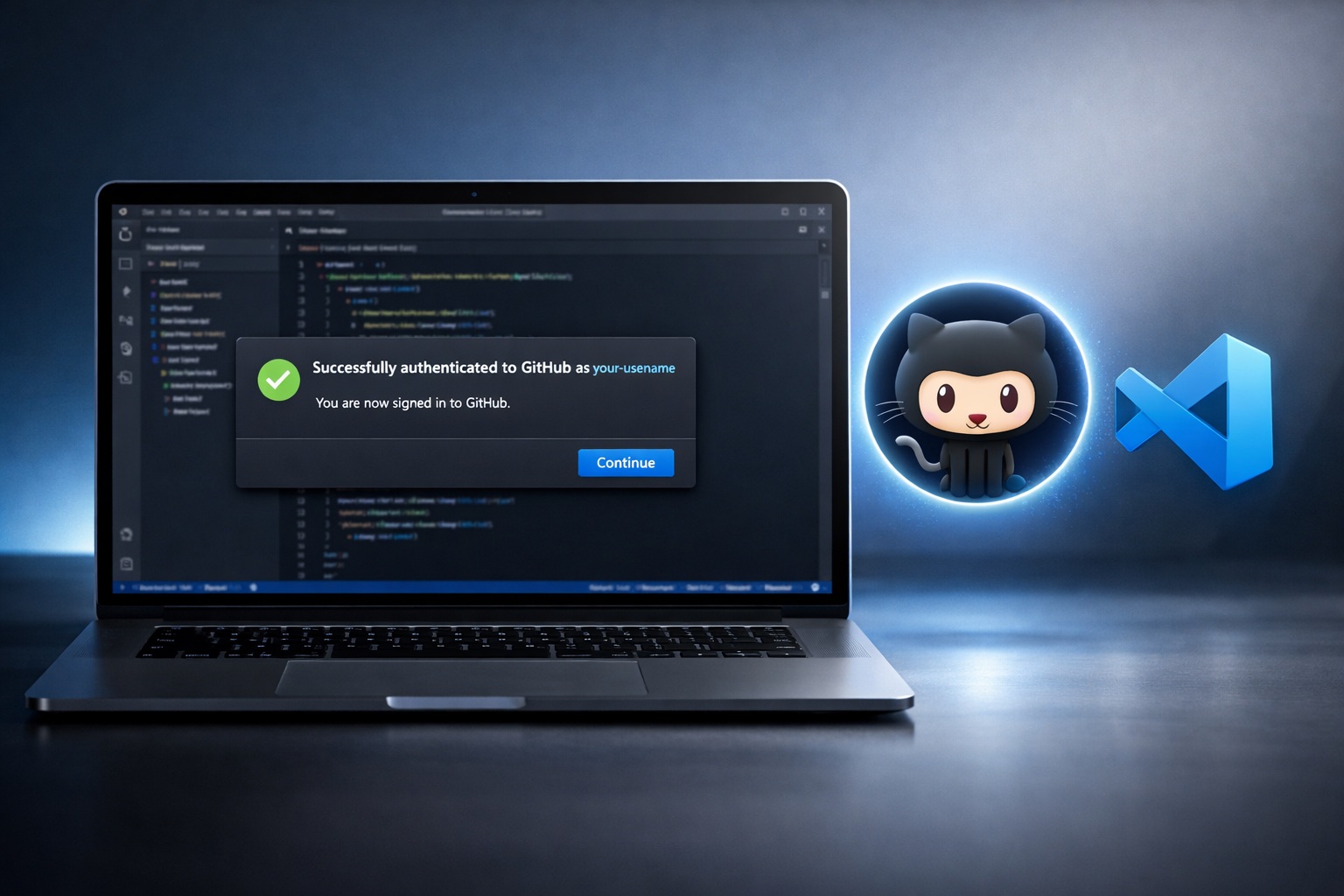
One cool feature of Emergent is its link with GitHub. This link helps you manage your code better. You can quickly push updates, work with other developers, and keep track of changes in your project. Most importantly, you can upload the codes from Emergent to GitHub and download codes from GitHub and let Cursor AI to read the codes to fix any technical problems. Here’s a quick look at how Emergent stacks up against other platforms for making iPhone apps:
Feature | Emergent | Newly |
|---|---|---|
Core Focus | Web-first development | Native mobile app development |
Mobile App Development Approach | Capacitor wrapping or React Native code | Streamlined native app creation |
Built-in App Store Deployment | No built-in pipeline; manual setup required | Built-in deployment features |
User Experience | Limited ease of use for iPhone apps | More user-friendly for iPhone app creation |
This table shows that Emergent has good points, but it needs some manual setup for deployment. Still, the GitHub link makes it easier to manage your projects and work with others.
Using Expo for Testing
Testing your app is very important. Emergent works well with Expo to help with this. With Expo, you can test your iPhone app on real devices without a Mac. Here’s how Emergent’s process works with Expo for easy app testing:
Feature | Description |
|---|---|
Allows testing on physical devices using QR codes. | |
Flexible deployment | Supports deployment via Expo Go, iOS (IPA), or Android (APK/AAB). |
With Expo, you can quickly check how your app runs on real devices. But remember, testing without a Mac has some limits. You won’t be able to use the iOS Simulator, so you will need to test on physical devices.
Cursor AI for Problem Solving

When you make iPhone apps, you might face technical problems. These issues can slow you down. That’s where Cursor AI helps! This tool fixes coding mistakes and solves problems quickly. Let’s see how Cursor AI can be your helpful assistant during development.
Troubleshooting Capabilities
Cursor AI has many strong features that help you fix issues in your code. Here’s what you can expect:
Comprehensive Code Analysis: Cursor AI checks your code for bugs and suggests fixes. This helps you find problems before they get worse.
Targeted Refactoring: If you want to improve parts of your code, Cursor AI can help you do that. You can make your app better without starting over.
Interactive Chat Feature: You can talk to Cursor AI to understand your files and debug them. This lets you ask questions and get quick answers, making debugging feel more like teamwork.
Common Problems Solved
Cursor AI can help you with many common issues in iPhone app development. Here are some examples:
Fixing Coding Errors: If you find an error, you can ask for a code change in the Cursor chat. After you make the change in your Swift files, go back to your development environment to build and run. If the error shows up again, just copy the message or take a screenshot. Send that back to Cursor for a quick fix!
Understanding Error Messages: Error messages can be hard to understand. Cursor AI helps you look at these messages and logs, guiding you to a solution. This help can save you time and stress.
Improving Code Quality: Cursor AI is like a coding partner. It checks your code and gives suggestions, helping you write better and cleaner code.
Using Cursor AI makes coding easier and boosts your productivity. Developers say it reduces mental strain by giving helpful feedback and smart assistance. This way, you can focus on bigger problems while Cursor AI takes care of the small details.
You can make iPhone apps without a Mac! Tools like Emergent and Cursor AI make this process easy and fun. Here are some important benefits to think about:
User-Friendly: Emergent makes app development simple for everyone.
Comprehensive Support: Cursor AI helps you fix problems and improve your code.
Cost-Effective: You save money by not needing a Mac.
So, why wait? Start app development today and check out these cool tools to bring your ideas to life! 🚀
FAQ
What is Emergent?
Emergent is a platform that helps you build iPhone apps online. You don’t need a Mac to use it. It works with different ways of developing, so many developers can use it.
How does Cursor AI help in app development?
Cursor AI helps you find coding mistakes and suggests how to fix them. It acts like a coding buddy, helping you solve problems and make your code better.
Can I test my app without a Mac?
Yes! You can test your iPhone app with Expo. It works well with Emergent. This lets you run your app on real devices without a Mac.
Is there a cost associated with using Emergent and Cursor AI?
Both tools have free versions, but some features may cost money. Check their websites for details about pricing and options.
Do I need coding experience to use these tools?
Some coding knowledge is helpful, but both Emergent and Cursor AI are easy to use. You can start making apps even if you are a beginner!